
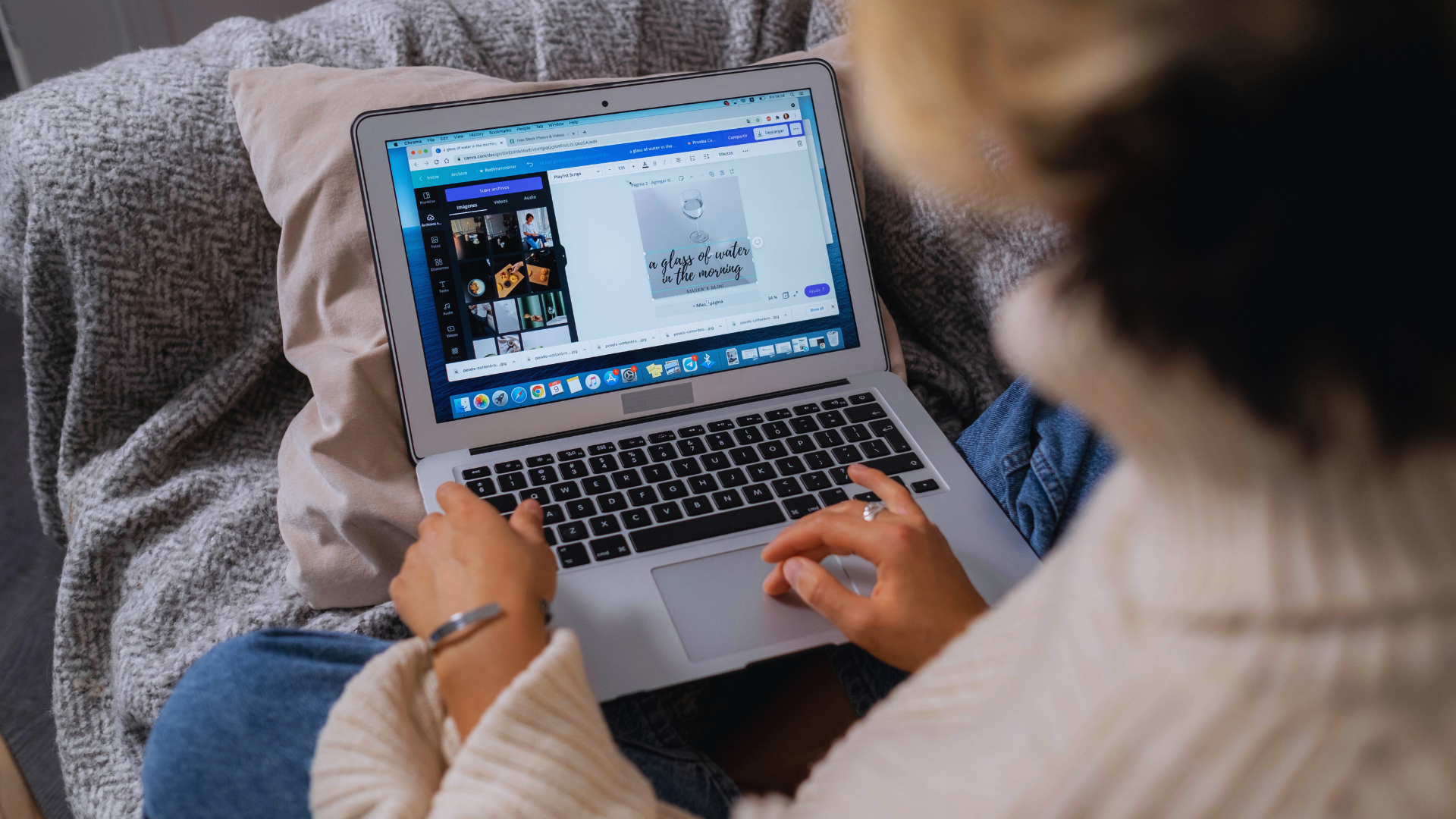
In a world where visual communication plays a crucial role, non-designers often face challenges when trying to create appealing graphics. Fortunately, there are design tools available that simplify the process, making it accessible for anyone to produce professional-looking content without extensive design skills. These tools provide intuitive interfaces and templates, empowering users to express their creativity.
Whether it’s for social media posts, presentations, or marketing materials, selecting the right tool can enhance efficiency and effectiveness. Those who may feel intimidated by traditional design software will find user-friendly alternatives designed with them in mind. This blog post explores several standout options that cater specifically to non-designers, demonstrating that anyone can create visually compelling content.
By discovering the most user-friendly design tools, users can unlock their potential and elevate their projects. Embracing these resources not only boosts confidence but also fosters creativity in an increasingly visual world.
Key Features Of User-Friendly Design Tools For Non-Designers
Effective design tools for non-designers emphasize usability, accessibility, and collaboration. These features enable users to create professional-quality designs without extensive training or experience.
User-Friendly Interface And Learning Curve
A user-friendly interface is critical for design tools aimed at non-designers. Clear navigation, intuitive layouts, and straightforward menus facilitate ease of use. Icons and visual cues enhance usability, allowing users to focus on creativity rather than technical challenges.
The learning curve should be minimal. Many effective design platforms provide tutorials, tooltips, and onboarding processes that guide users through essential features. An immediate understanding of the workspace allows users to start creating designs quickly without feeling overwhelmed.
Template Libraries And Stock Photos
Template libraries significantly enhance the user experience. They provide pre-designed layouts that users can customize, saving time and effort. A diverse selection of templates across various categories ensures users can find something that aligns with their vision.
In addition, access to stock photos is essential. High-quality, royalty-free images enrich designs and enhance visual appeal. A well-stocked library allows users to incorporate professional visuals without needing separate subscriptions or purchases.
Collaboration Tools For Teams And Content Creators
Collaboration tools are increasingly vital for teams and content creators. These features facilitate real-time editing, feedback, and communication, streamlining the design process. Functions like comments, version history, and shared access ensure clarity and efficiency in teamwork.
Integration with popular communication platforms enhances the collaborative aspect. This capability allows teams to discuss designs and make decisions without leaving the design tool. Ultimately, these features foster a productive environment where creativity can flourish.
Top User-Friendly Design Tools For Non-Designers
There are several design tools available that cater specifically to non-designers, making it easier for anyone to create visually appealing content. These platforms focus on usability, offering intuitive interfaces and valuable features that simplify the design process.
Canva: The All-In-One Platform
Canva is one of the most popular design tools for non-designers. Its drag-and-drop interface allows users to create a variety of visual content, including social media graphics, presentations, and infographics.
Users can access a vast library of templates and design elements. This makes it easy to customize projects without needing extensive graphic design skills. Canva also offers features like photo editing and collaboration tools, making it suitable for teams.
With both free and paid plans, it provides flexibility depending on user needs. Overall, Canva streamlines the design process while catering to a range of visual content requirements.
Snappa: Simplicity And Speed For Marketers
Snappa is designed for marketers who need quick and straightforward design solutions. This tool offers a user-friendly interface that simplifies the creation of graphics for blogs, social media, and more.
It features a variety of pre-made templates that users can easily customize. Moreover, Snappa’s built-in stock photo library saves time by providing access to high-quality images directly within the platform.
With its focus on efficient design, Snappa enables users to produce professional-looking visuals in minutes. This efficiency is crucial for marketers who often work under tight deadlines.
VistaCreate And Other Alternatives
VistaCreate provides another excellent option for non-designers, focusing on ease of use and creativity. With its extensive template library, users can design everything from social media posts to print materials.
The platform offers a range of design elements such as illustrations and fonts, allowing for customization that suits individual preferences. VistaCreate also provides animation features for added visual interest.
Other alternatives worth exploring include PicMonkey and Adobe Spark, which also prioritize user-friendly interfaces. Each offers unique features that cater to different design needs, ensuring there is a tool for every user.
How Non-Designers Use Design Tools For Marketing And Social Media
Non-designers increasingly rely on accessible design tools to streamline their marketing strategies. These tools facilitate the creation of engaging content tailored for social media platforms and the production of impactful marketing materials.
Creating Marketing Materials And Social Media Posts
Non-designers create various marketing materials, including flyers, brochures, and social media graphics. User-friendly platforms like Canva or Adobe Express offer templates that remove the complexity often associated with graphic design.
Marketers can simply drag and drop elements to tailor visuals to their brand. Customizing colors, fonts, and images can occur in minutes, allowing for a professional appearance without extensive training.
Social media posts benefit significantly from these tools. Quick access to sizing guides for different platforms ensures every post appears clear and on-brand. Many tools also provide insights into optimal posting times and audience engagement.
Leveraging AI And Automation For Visual Content
AI integration enhances design efficiency for non-designers. Generative AI tools, such as DALL-E or ChatGPT, assist in creating unique images or captions with minimal input.
These solutions save time and inspire creativity for marketers. For instance, a marketer can input a few keywords to generate tailored graphics or social media captions that resonate with their audience.
Automation features in many design tools allow for scheduled posts across various social media channels. This capability ensures a consistent online presence while freeing up time for other marketing tasks.
Collaboration In Remote And Distributed Teams
Collaborative design tools facilitate teamwork among remote and distributed teams. Non-designers can share projects in real-time using platforms like Figma or Miro.
These tools enable team members to leave comments, suggest edits, and track changes, ensuring everyone is aligned on marketing initiatives.
Additionally, built-in libraries of assets and images streamline the design process. Teams can maintain brand consistency easily by using shared resources. This collaboration results in faster project completion and a cohesive marketing strategy across channels.
Tips For Choosing The Most Suitable Design Tool
Selecting the right design tool requires careful consideration of specific project needs and available resources. Understanding these factors can significantly enhance the effectiveness of creative projects, particularly for non-designers.
Understanding Creative Project Requirements
Identifying project requirements is crucial. The nature of the creative work, whether graphic design, social media content, or educational materials, informs tool selection.
Key questions include:
- What is the desired outcome? Define project goals clearly.
- What formats are needed? Understand if the output will be digital, print, or both.
- Who is the audience? Consider the preferences and needs of the end-users.
For educators, integrating tools that simplify collaboration and feedback can enhance teaching materials.
It’s important to find a tool that supports required functionalities like templates, image editing, and ease of use, making the design process streamlined.
Budget, Scalability, And Support
Budget constraints can impact choices significantly. Several tools offer free versions with essential features.
A clear budget plan should consider:
- Initial costs: Determine what features are necessary from the start.
- Long-term expenses: Consider subscription models that may lead to ongoing costs.
Scalability is vital for growing projects. A tool that can scale with increased complexity or team size will save time and resources in the long run.
Support options are also critical. Look for platforms that provide tutorials, customer service, and community forums for assistance. A tool with robust support can make transitions smoother, especially for users unfamiliar with design processes.